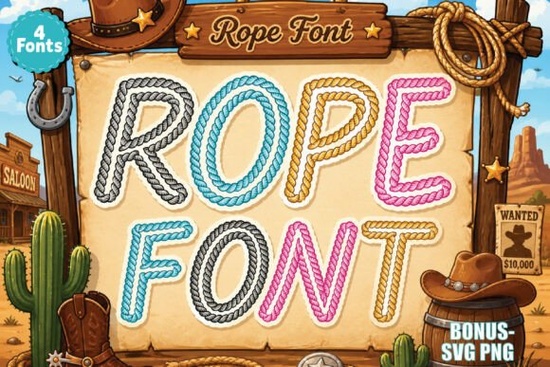
If you are working on a country-themed project, finding the right typography sets the entire mood. The Rope Font is a colorful script alphabet pack designed specifically for this rustic aesthetic. Inspired by cowboy ropes, ranch life, and retro western signs, this typeface gives your custom names and branding a bold, playful look. Whether you are making rodeo t-shirts or printable stickers, having a reliable western style in your toolkit saves time and makes your final product stand out to your audience.
What types of crafts work best with a rustic script typeface?
When designing for country-themed events, the typography needs to match the rugged environment. This alphabet works beautifully for sublimation projects because the pre-colored rope texture is already baked into the letters, saving you from masking textures manually. Print-on-demand sellers and hobbyists often use this specific style for a variety of physical products. Some of the most popular applications include:
- Custom apparel: Designing graphic tees for local rodeos, country music festivals, or bachelorette parties.
- Stickers and planners: Creating colorful die-cut decals for water bottles, lunchboxes, or laptop covers.
- Social media graphics: Adding eye-catching text to Instagram announcements or Facebook event covers for small businesses.
- Wood crafts: Printing SVG or PNG files to use as stencils or decals on painted wooden signs for porch decor.
If you need to add a completely different texture to your next project, you might also explore other textured options like this fun handwritten alternative to see how varied color fonts can be.
Why does the font preview look black and white on my computer?
A common point of confusion when downloading colorful typography is the initial file preview. Due to standard operating system limitations, your default computer font viewer might only display the lettering in flat black and white. Do not worry, the actual color data is still intact inside the file.
To see the full rope effect, open the file in supported design software. Programs like Adobe Illustrator, Photoshop, Canva, and Figma correctly render color fonts, displaying the complete brown styling and shading. If you prefer a retro vibe with a slightly different texture, checking out a vintage pencil style can give you more ideas for retro-themed branding.
How can small businesses use this for western-themed branding?
Small businesses, especially those selling handmade goods or organizing local events, rely on cohesive branding to build trust. Using a consistent western aesthetic helps customers immediately recognize your niche. You can use this typography for your main logo, product labels, packaging tape, or storefront signage.
For DIY custom names or wedding favors, this script provides a professional, ready-made solution. Pairing this rustic script with a simple, clean sans-serif font for your body text ensures your designs remain readable. If your brand requires a more patriotic touch for upcoming holidays, incorporating elements from this stitched patriotic design might complement your western theme perfectly during the Fourth of July.
Where can you find more colorful alphabets for your toolkit?
Building a versatile design library means having options for every season and customer request. While the rustic style is excellent for ranch designs, you might eventually need something brighter for children's apparel, school supplies, or party decorations. Browsing through a bright striped lettering pack gives you an excellent backup for playful, youth-oriented designs.
Having a direct link to the original western rope alphabet ensures you can easily revisit the files when a new custom order arrives.
What is the best way to prepare files for sublimation?
Before printing on a t-shirt or mug, ensure your file is set up correctly. Exporting your text as a high-resolution PNG with a transparent background is the safest route for sublimation. This prevents any unwanted white boxes from appearing around your letters.
Make sure your text is large enough to show off the rope details. If you shrink the letters too much, the intricate twists of the rope texture might blur together during the printing process. Always do a test run on a scrap piece of fabric or paper to check how the colors transfer under heat.
Quick setup checklist for your next project
Follow these steps to ensure a smooth workflow from design to final product:
- Verify that your design software supports color fonts to avoid printing flat black text by mistake.
- Check the licensing terms on the marketplace to ensure you have the correct commercial rights for physical products.
- Export your final text as a transparent PNG at 300 DPI for the crispest print quality.
- Test print a small sample on your sublimation paper to check the color accuracy before committing to a full production run.
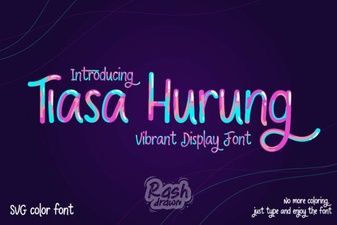 Tiasa Hurung Font: Design & Creative Applications
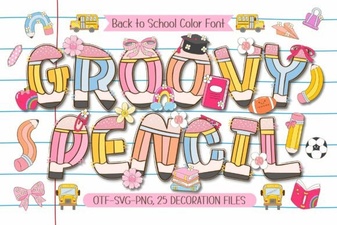 Groovy Pencil Font: Creative Design & Handmade Projects
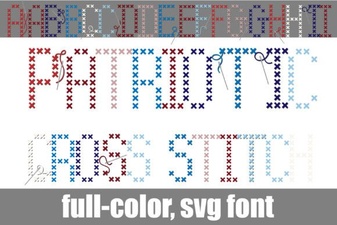 Creative Patriotic Cross Stitch Font Projects
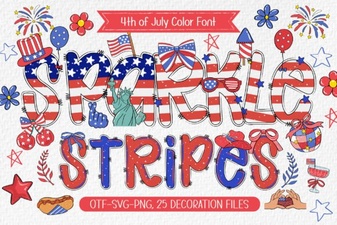 Sparkle Stripes Fonts for Creative Design Projects
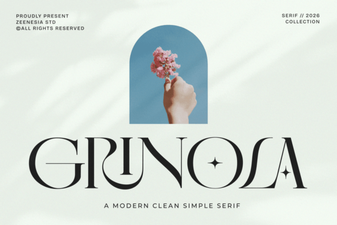 Grinola Font: Free Script Font for Creative Projects
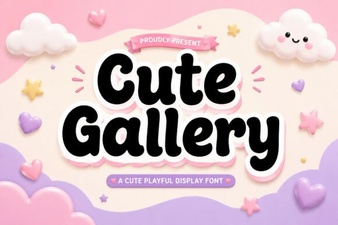 Design Projects with Cute Gallery Font