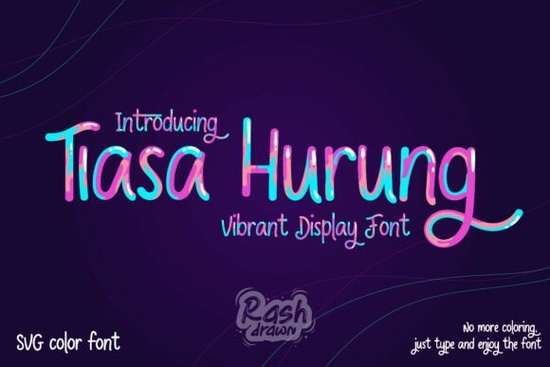
Typography sets the mood for any creative project, and using an SVG color font immediately adds vibrancy without requiring complex design software. The Tiasa Hurung Font is a hand-lettered typeface featuring neon-inspired strokes that bring a cheerful, energetic look to your text right out of the box. Because the colors are built into the file, you simply type your words and the lively, handcrafted palette appears automatically. This saves valuable time for print-on-demand sellers and small business owners who need eye-catching graphics for children's apparel, stickers, or social media posts.
What software do I need to use SVG color fonts?
Many crafters wonder if they need expensive programs to use these pre-colored typefaces. Fortunately, modern design tools support this format natively. You can open and use the files directly in Adobe Illustrator, Photoshop, and Procreate. For those working primarily with cutting machines, some versions of Cricut Design Space and Silhouette Studio also support color fonts, though you may need to check your specific version. If your current software does not support the color SVG format, the download package usually includes standard OTF and TTF versions. You can easily color these standard versions manually in your design program to achieve a similar neon effect.
Which projects work best with this neon hand-lettered style?
The playful nature of this typeface makes it highly versatile for several niches. Here are a few practical ways to use it in your daily workflow:
- Children's Apparel: The bright, multi-colored strokes are perfect for printing on t-shirts, hoodies, and backpack tags aimed at younger audiences.
- Sticker Making: Print-on-demand sellers can create vibrant sticker packs for digital planners, school notebooks, or physical stationery shops.
- Party Branding: Use it for birthday invitations, welcome signs, and cupcake toppers. When making party invitations, you might also consider a patterned striped typeface to match the festive mood.
- Social Media Graphics: Small businesses can use the bold letters to highlight sale announcements or inspiring quotes on Instagram and Pinterest.
How can I pair this font with other styles?
Because the neon strokes are highly detailed and colorful, it is best used as a display font for short words, logos, or headlines. Pairing it with a simple, clean sans-serif font ensures your overall design remains readable. For example, use the bright typeface for the main title of a poster, and a plain font for the event details below it.
If you want to explore more options for your typography toolkit, checking out the product page for this cheerful design will give you a better look at the full character set. Crafters looking for different textures might try mixing this smooth neon look with a handcrafted nautical typeface for coastal-themed merchandise. Alternatively, if your project leans toward retro aesthetics, a sketchy retro alphabet can provide a nice contrast. For textile artists, combining digital prints with traditional crafts like a stitched embroidery alphabet creates unique mixed-media holiday decorations.
Where is the best place to download this typeface?
You can easily license and download the Tiasa Hurung Font through Creative Fabrica. A standard subscription usually covers commercial use, allowing you to sell physical products featuring the text. Always review the specific licensing terms included with your download to ensure compliance with your business model, especially if you plan to use it on high-volume print-on-demand platforms. Having the right license gives you peace of mind as your small business grows.
Quick Checklist for Your First Design
Before sending your project to a commercial printer or cutting machine, run through these quick steps to ensure the best results:
- Check your spelling: Color fonts can sometimes be tricky to edit once you convert them to vector outlines, so proofread first.
- Test the scale: Ensure the neon details remain crisp and readable when scaled down for small items like planner stickers or clothing tags.
- Contrast your background: Place the bright text on a dark or solid neutral background so the lively colors truly pop.
- Verify software compatibility: Open a quick test file in your design program to confirm the colors render correctly before starting a large batch order.
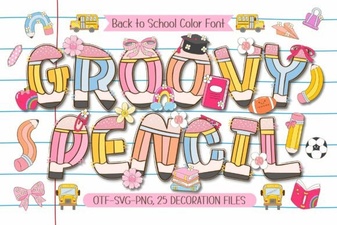 Groovy Pencil Font: Creative Design & Handmade Projects
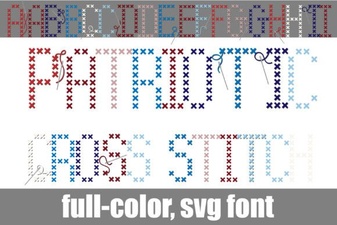 Creative Patriotic Cross Stitch Font Projects
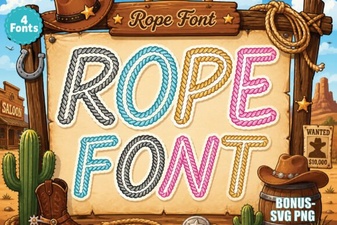 Design Your Projects with Creative Rope Fonts
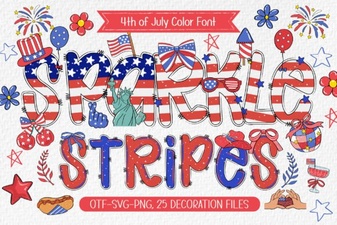 Sparkle Stripes Fonts for Creative Design Projects
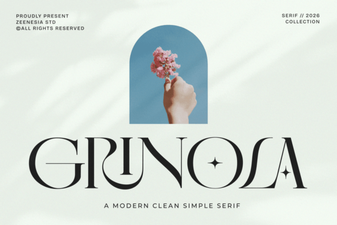 Grinola Font: Free Script Font for Creative Projects
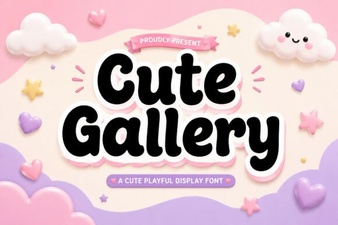 Design Projects with Cute Gallery Font